Introduction to Code Analysis
Let’s be honest—writing code is only half the battle. The real challenge is making sure that code is secure, efficient, and bug-free. That’s where code analysis steps in like a trusted security guard, checking every corner before problems sneak into production.
What Is Code Analysis?
Code analysis is the process of examining source code to identify bugs, vulnerabilities, code smells, and compliance issues. Think of it as proofreading your software before it goes live—except it checks logic, security, and performance instead of grammar.
Why Code Analysis Matters in Modern Software Development
With cyberattacks increasing and software getting more complex, ignoring code analysis is like leaving your front door open in a busy city. Code analysis helps:
- Prevent security breaches
- Improve code quality
- Reduce development costs
- Ensure compliance with standards
Understanding Static Code Analysis
What Is Static Code Analysis?
Static code analysis examines your code without executing it. It scans the source code to find potential issues early in the development lifecycle. Imagine checking a blueprint before constructing a building—that’s static analysis.
How Static Code Analysis Works
Static analysis tools read your code line by line and apply predefined rules to detect issues.
Source Code Review
This involves scanning raw source code for known vulnerability patterns, insecure functions, and bad practices.
Syntax and Semantic Analysis
Here, the tool checks whether the code structure and logic make sense, ensuring it follows language rules and best practices.
Common Static Code Analysis Tools
- SonarQube
- Checkmarx
- Fortify
- ESLint
- PMD
Benefits of Static Code Analysis
- Finds bugs early
- No need to run the application
- Cost-effective in the long run
- Enforces coding standards
- Improves maintainability
Limitations of Static Code Analysis
- Can generate false positives
- Cannot detect runtime issues
- Limited context of real-world execution
Understanding Dynamic Code Analysis
What Is Dynamic Code Analysis?
Dynamic code analysis examines an application while it’s running. Instead of guessing what might go wrong, it watches what actually goes wrong. It’s like test-driving a car instead of just reading the manual.
How Dynamic Code Analysis Works
Dynamic analysis tools interact with a live application, sending inputs and monitoring behavior.
Runtime Monitoring
The tool observes memory usage, execution paths, and system calls during runtime.
Input and Output Validation
It tests how the application handles unexpected or malicious inputs.
Common Dynamic Code Analysis Tools
- OWASP ZAP
- Burp Suite
- AppScan
- Netsparker
- Metasploit
Benefits of Dynamic Code Analysis
- Detects real runtime vulnerabilities
- Fewer false positives
- Simulates real attack scenarios
- Great for security testing
Limitations of Dynamic Code Analysis
- Requires a running application
- Can miss hidden code paths
- Slower compared to static analysis
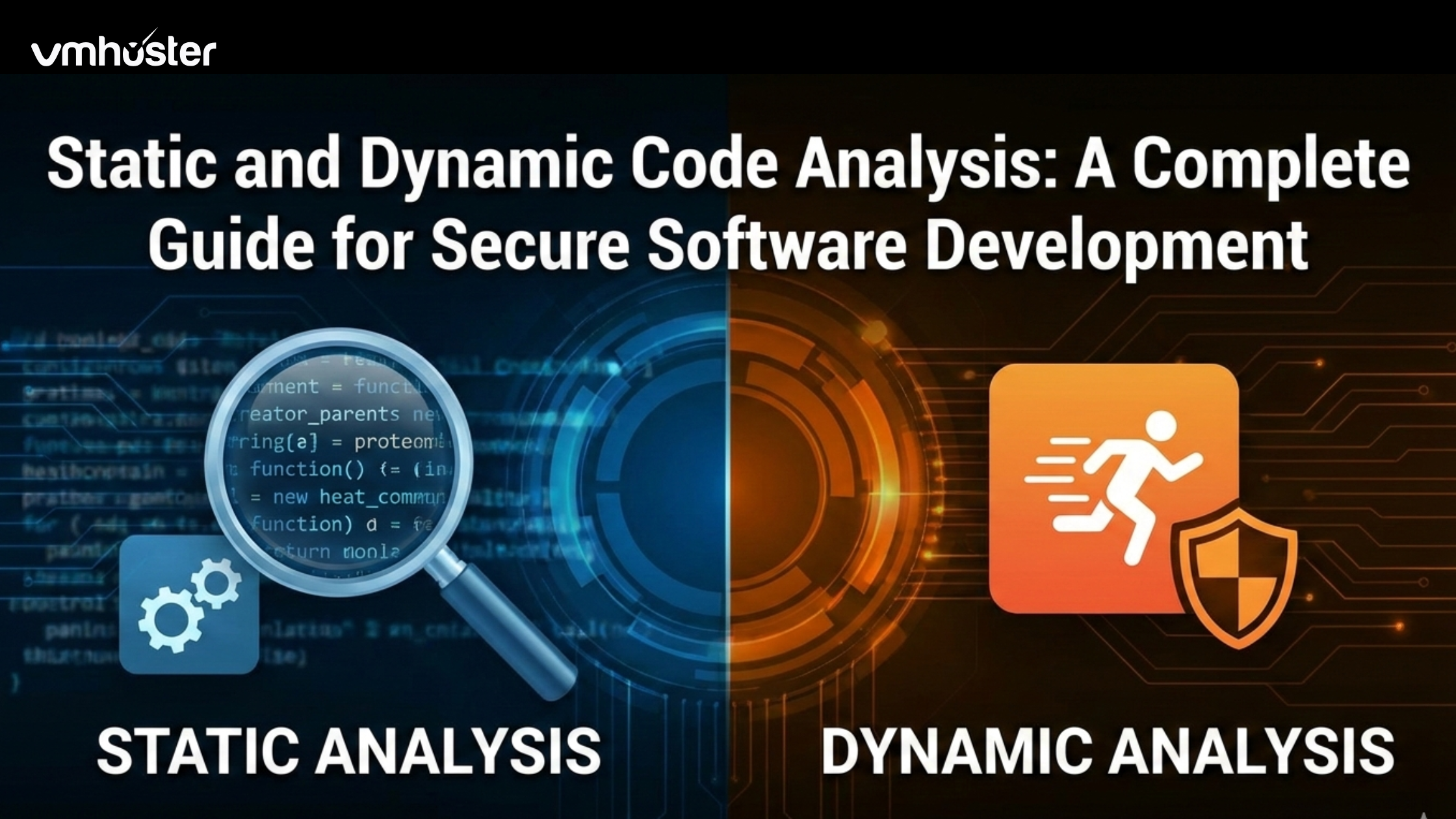
Static vs Dynamic Code Analysis
Key Differences Explained
| Aspect | Static Analysis | Dynamic Analysis |
| Execution | No | Yes |
| Stage | Early development | Testing/Production |
| Focus | Code quality & structure | Runtime behavior |
| Speed | Faster | Slower |
Performance vs Accuracy
Static analysis is fast but sometimes noisy. Dynamic analysis is accurate but slower. One predicts issues; the other confirms them.
Security Coverage Comparison
Static analysis catches insecure code patterns early, while dynamic analysis uncovers real-world exploits like SQL injection and XSS.
When to Use Static Code Analysis
Early Development Stages
Static analysis shines during coding and code reviews. It’s ideal for catching issues before they become expensive fixes.
Secure Coding Standards Enforcement
Want to ensure developers follow OWASP or company standards? Static analysis tools are perfect enforcers.
When to Use Dynamic Code Analysis
Testing Live Applications
Dynamic analysis is best during QA, staging, or production testing.
Identifying Runtime Vulnerabilities
Issues like authentication bypass or session hijacking only appear when the app is running.
Combining Static and Dynamic Code Analysis
Why a Hybrid Approach Works Best
Using both is like wearing a seatbelt and having airbags. Together, they provide complete coverage.
DevSecOps and Continuous Integration
Modern DevSecOps pipelines integrate static analysis during builds and dynamic analysis during testing—automatically.
Real-World Use Cases
Web Application Security
Detecting XSS, CSRF, and SQL injection before attackers do.
Cloud and Enterprise Software
Ensuring scalability, performance, and compliance in complex systems.
Compliance and Regulatory Requirements
Standards like ISO, SOC 2, and PCI-DSS often require code analysis.
Best Practices for Effective Code Analysis
Automating Code Analysis
Automation ensures consistency and saves time. Manual checks alone won’t scale.
Integrating Tools into CI/CD Pipelines
Run scans on every commit to catch issues instantly.
Training Developers on Secure Coding
Tools are powerful, but educated developers are unbeatable.
Future of Code Analysis
AI and Machine Learning in Code Analysis
AI-driven tools can predict vulnerabilities and reduce false positives.
Shift-Left Security Trends
Security is moving earlier in the development cycle—and code analysis is leading the charge.
Conclusion
Static and dynamic code analysis are not rivals—they’re teammates. Static analysis helps you write better code from the start, while dynamic analysis ensures that code behaves securely in the real world. Together, they form the backbone of modern secure software development. If security matters to you (and it should), using both isn’t optional—it’s essential.
Frequently Asked Questions (FAQs)
No. Static analysis alone cannot detect runtime vulnerabilities. It should be combined with dynamic analysis.
Not really. Dynamic analysis depends on execution paths and may miss hidden issues in the code.
Neither is better alone. The best approach is using both together.
There are both free and enterprise-grade tools available. The cost is far less than fixing breaches later.
Ideally, on every code change using automated CI/CD pipelines.