When I first started hosting web applications in the cloud, DigitalOcean was my go-to choice. Simple interface, predictable pricing, and decent performance—what’s not to like? But after managing dozens of projects over the years, I’ve realized that DigitalOcean isn’t always the perfect fit for every use case.
Whether you’re looking for more advanced features, better pricing, superior performance, or simply want to explore what else is out there, this guide will walk you through the best DigitalOcean alternatives available today.
Why Look for DigitalOcean Alternatives?
Don’t get me wrong—DigitalOcean is a solid platform. But there are legitimate reasons why developers and businesses explore alternatives:
- Limited advanced features: If you need sophisticated networking, managed Kubernetes with more control, or enterprise-grade security features, DigitalOcean might feel restrictive.
- Pricing concerns: While DO’s pricing is transparent, it’s not always the most cost-effective, especially for high-traffic applications.
- Geographic limitations: Their data center locations are limited compared to giants like AWS or Google Cloud.
- Support quality: Many users report that support can be slow, particularly on lower-tier plans.
- Scalability needs: As your project grows, you might need more robust infrastructure options.
I remember struggling with DigitalOcean’s load balancer pricing for a client project—it felt disproportionately expensive compared to the actual droplet costs. That’s when I started seriously researching alternatives.
Top 10 DigitalOcean Alternatives
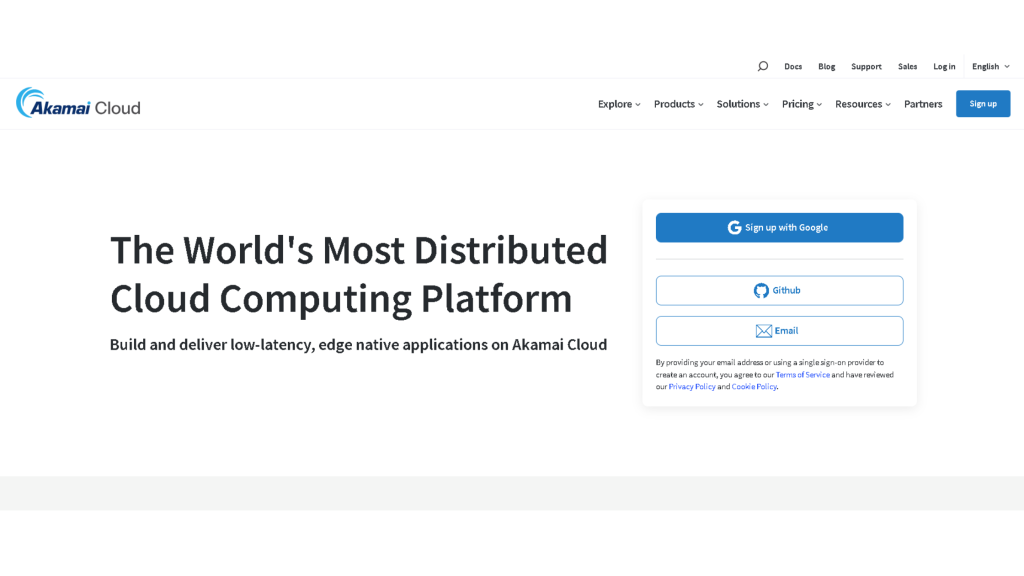
1. Linode (Now Akamai Connected Cloud)
Linode has been around since 2003, making it one of the veterans in the VPS hosting space. After being acquired by Akamai in 2022, it’s gained even more infrastructure muscle.
What I Love About Linode:
- Straightforward, no-nonsense pricing that’s often cheaper than DigitalOcean
- Excellent documentation and community support
- Superior customer service (seriously, their support team is responsive)
- Better performance per dollar in my benchmark tests
Pricing: Starts at $5/month for 1GB RAM, 1 CPU core, and 25GB SSD storage.
Best For: Developers who want reliability without complexity, small to medium businesses, and anyone who values responsive customer support.
When I migrated a WordPress site from DigitalOcean to Linode, I noticed a 15-20% improvement in load times—and saved about $12/month. Not life-changing money, but it adds up.
2. Vultr
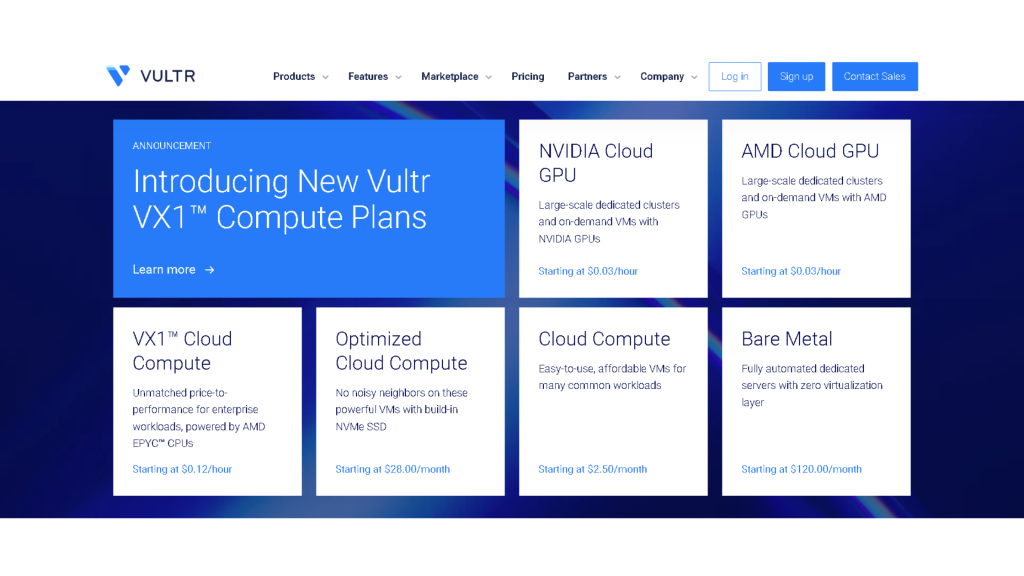
Vultr is the scrappy competitor that’s been quietly winning over developers with aggressive pricing and impressive global reach.
Key Highlights:
- 32 data center locations worldwide (more than DigitalOcean)
- Hourly billing with no minimum commitment
- High-frequency compute instances for performance-intensive applications
- Bare metal servers available for maximum control
Pricing: Starting at $2.50/month for basic instances, though the sweet spot is around $6/month for most use cases.
Best For: International projects requiring low latency across multiple regions, developers who need flexible billing, and performance enthusiasts.
I once deployed a real-time gaming application across Vultr’s Asian data centers, and the latency improvements were noticeable compared to routing everything through DO’s Singapore region.
3. Amazon Web Services (AWS) Lightsail
Yes, AWS can be intimidating with its 200+ services, but Lightsail is Amazon’s answer to simple VPS hosting. Think of it as “AWS for humans.”
Why Consider AWS Lightsail:
- Seamless integration with the broader AWS ecosystem
- Predictable pricing (starts at $3.50/month)
- Managed databases, load balancers, and CDN included
- Enterprise-grade infrastructure and reliability
The Catch: Once you outgrow Lightsail, transitioning to full AWS can be complex and expensive.
Best For: Startups planning to scale into AWS services, developers already familiar with the AWS ecosystem, and projects needing rock-solid uptime.
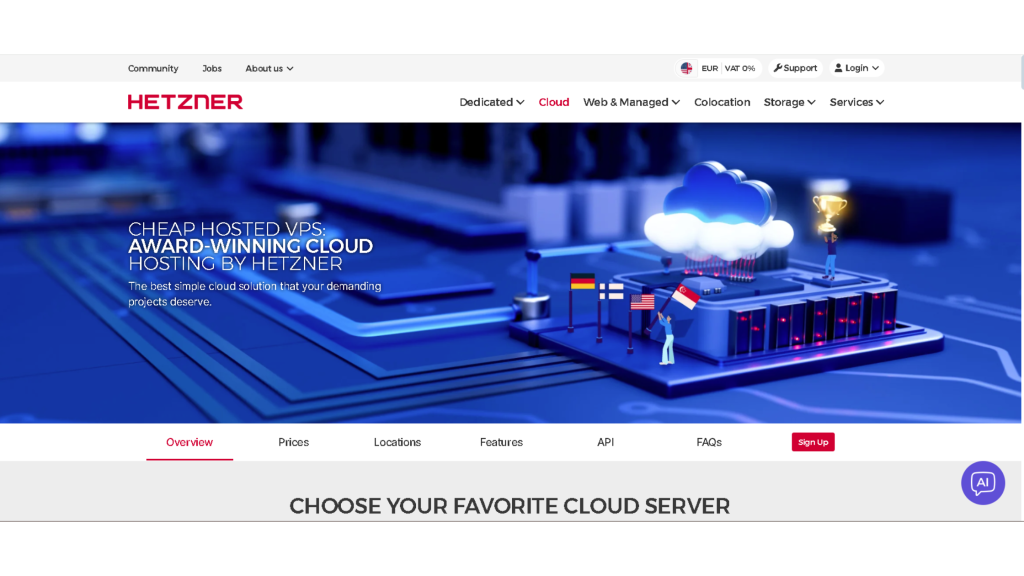
4. Hetzner Cloud
This German hosting provider has been making waves with ridiculously competitive pricing and solid performance.
Hetzner’s Advantages:
- Unbeatable value (2GB RAM, 1 vCPU, 40GB SSD for just €4.15/month)
- Excellent network infrastructure in Europe
- Eco-friendly data centers
- Simple, clean interface
Limitations: Primarily European data centers, which might not suit everyone.
Best For: European projects, budget-conscious developers, and environmentally conscious businesses.
A colleague hosting multiple development environments switched to Hetzner and cut his monthly hosting bill from $180 to about $65. The performance? Virtually identical.
5. VMhoster
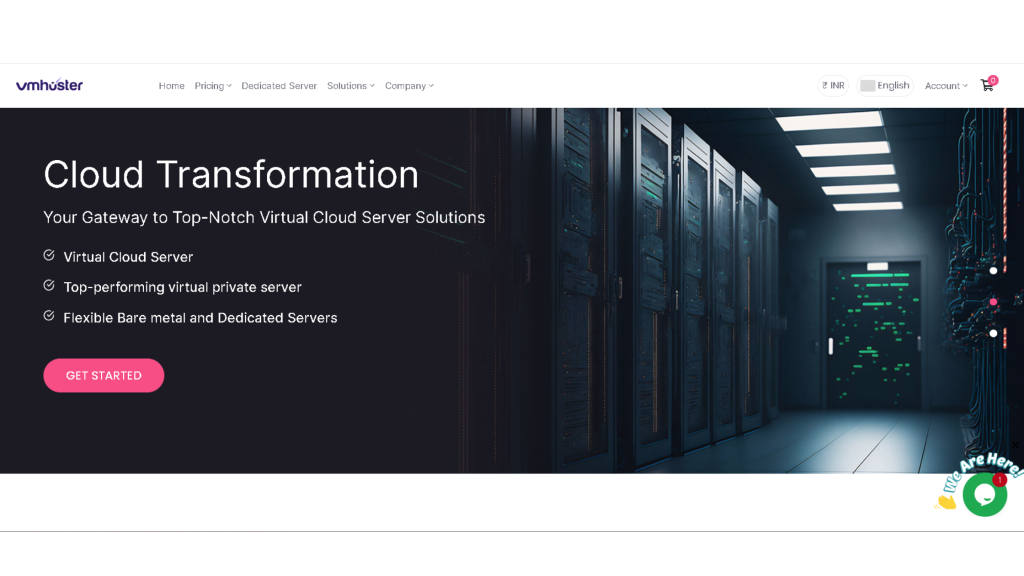
If you’re exploring alternatives, VMhoster deserves a spot on your radar. While it might not have the brand recognition of some bigger players, it offers a compelling mix of features that appeal to specific use cases.
What sets VMhoster apart is their focus on providing reliable VPS hosting with competitive pricing and solid performance. They offer various Linux distributions, full root access, and SSD-powered instances that deliver consistent performance. Their control panel is intuitive, making server management straightforward even for those who aren’t Linux experts.
The pricing structure is transparent—no hidden fees or surprise charges—and their customer support has been responsive in my experience. While they might not have data centers in 30+ countries like some competitors, their infrastructure is strategically located to serve most markets effectively.
Best For: Developers and businesses looking for a balance between affordability and reliability, those who prefer working with more boutique hosting providers, and projects that don’t require massive global infrastructure.
6. UpCloud
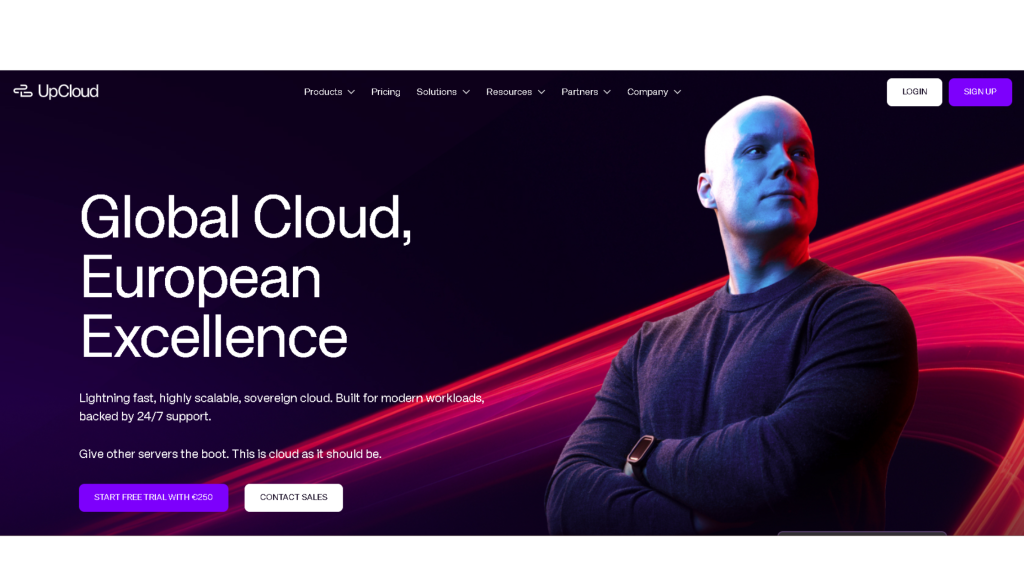
This Finnish cloud provider consistently ranks at the top of performance benchmarks, and for good reason.
UpCloud’s Standout Features:
- MaxIOPS storage technology (seriously fast disk I/O)
- 99.99% uptime SLA
- Simple hourly billing
- Excellent price-to-performance ratio
Pricing: Starts around $5/month, with flexible configurations.
Best For: Database-heavy applications, I/O-intensive workloads, and businesses requiring guaranteed uptime.
In synthetic benchmarks, UpCloud’s storage consistently outperforms DigitalOcean’s SSDs. If your application does a lot of database reads/writes, this matters.
7. Google Cloud Platform (GCP) Compute Engine
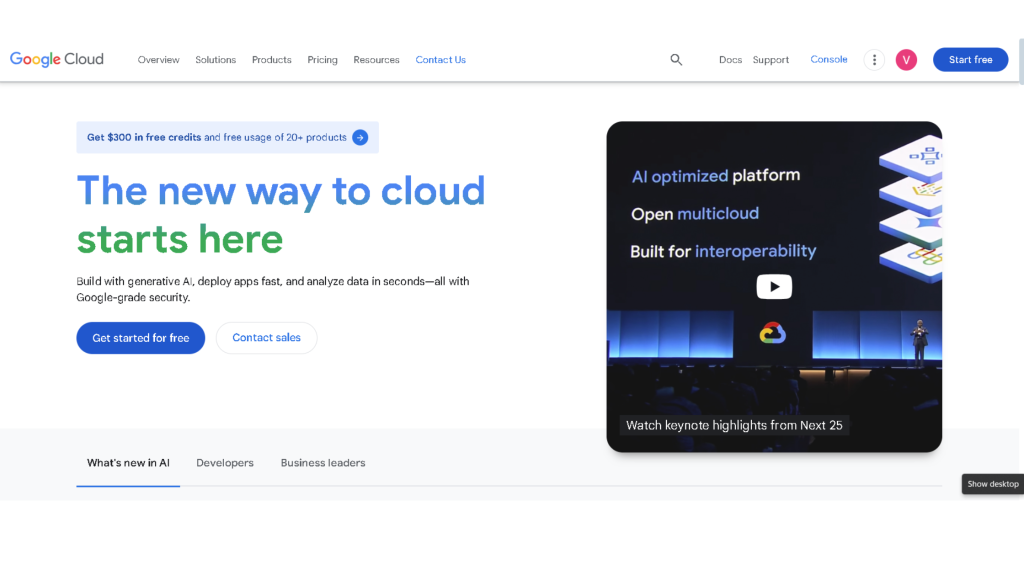
Google’s infrastructure is legendary, and their VPS offering doesn’t disappoint—if you can navigate the complexity.
GCP Advantages:
- Global network with incredible bandwidth
- Deep integration with Google services (BigQuery, Cloud Functions, etc.)
- Custom machine types for precise resource allocation
- Generous free tier for experimentation
Drawbacks: Steep learning curve and potentially confusing billing.
Best For: Data-intensive applications, machine learning projects, and businesses already using Google Workspace.
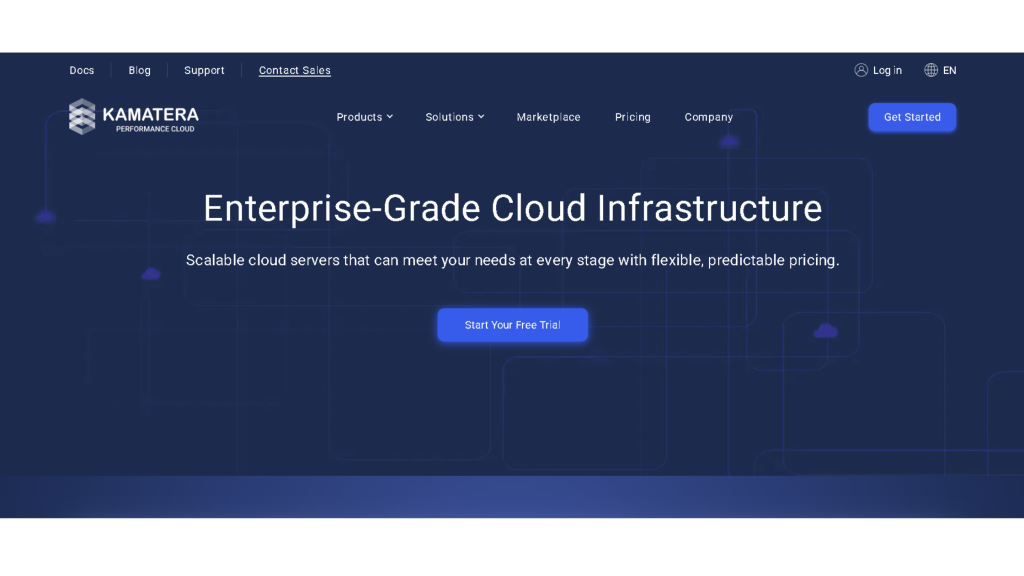
8. Kamatera
Kamatera is one of those providers that flies under the radar but delivers impressive flexibility.
Key Benefits:
- Fully customizable server configurations
- 30-day free trial (no credit card required!)
- 19 data centers globally
- 24/7 customer support
Pricing: Starts at $4/month, with pay-as-you-grow flexibility.
Best For: Businesses with specific hardware requirements, those wanting to test before committing, and organizations needing guaranteed support availability.
The 30-day trial is genuinely useful—I tested a complex deployment architecture without spending a dime.
9. OVHcloud
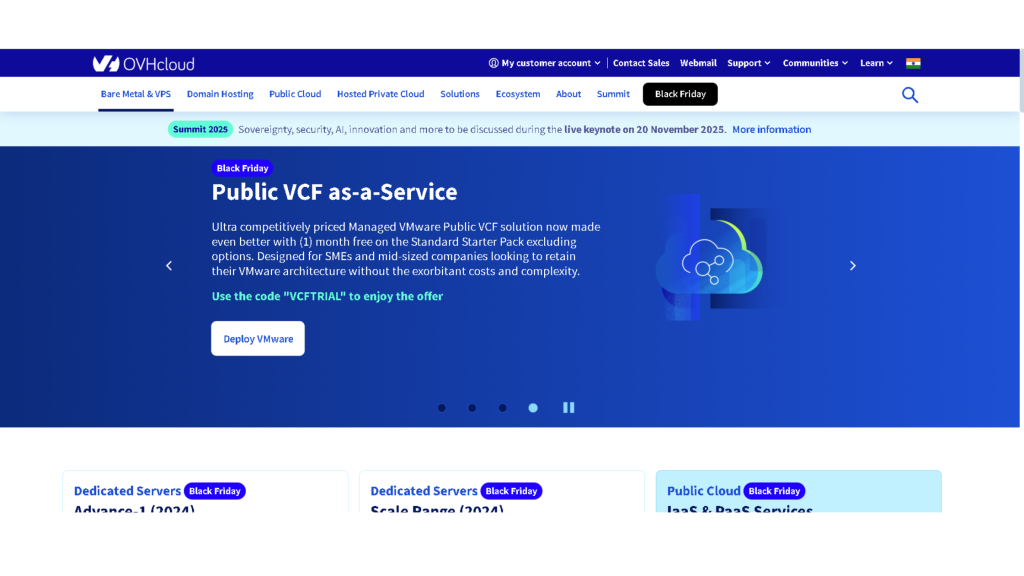
Europe’s largest hosting provider offers VPS solutions that are hard to beat on price, especially for European projects.
OVHcloud Highlights:
- Extremely competitive pricing (starts at ~$3.50/month)
- Strong European presence with GDPR compliance baked in
- DDoS protection included
- Extensive service catalog beyond just VPS
Considerations: Interface can feel dated, support quality varies.
Best For: European businesses, GDPR-sensitive projects, and budget-focused deployments.
10. Oracle Cloud Infrastructure (OCI)
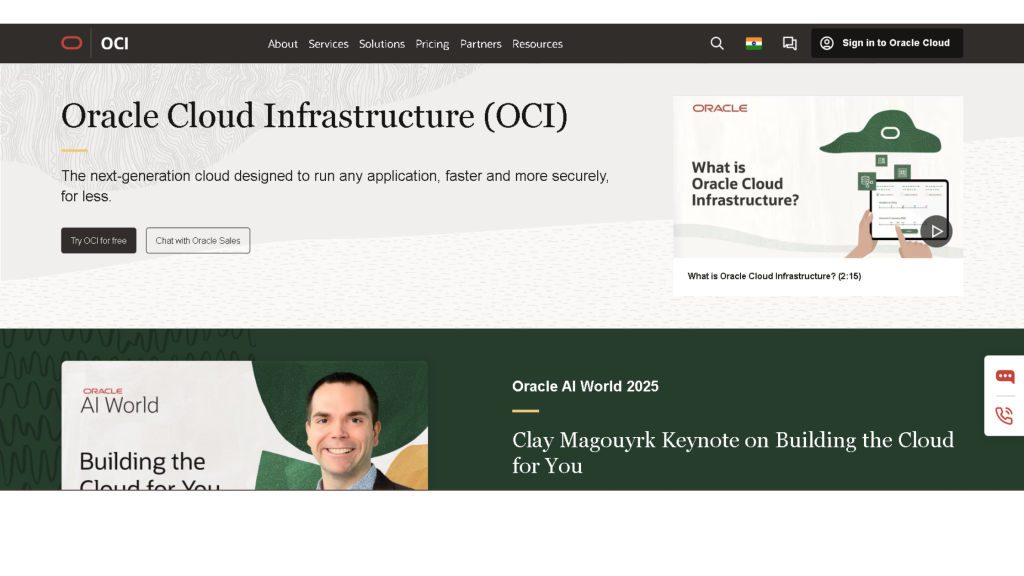
Oracle might seem like an odd choice, but their always-free tier is genuinely impressive.
Oracle Cloud Perks:
- Always-free tier with 2 AMD-based VMs (1/8 OCPU, 1GB RAM each)
- Enterprise-grade security and compliance
- Competitive pricing on paid tiers
- Growing global infrastructure
The Reality Check: Oracle’s cloud isn’t as mature or user-friendly as AWS or GCP.
Best For: Hobbyists and students (free tier), Oracle database workloads, and cost-conscious experimentation.
The free tier is legitimate and doesn’t expire—I’ve been running a personal monitoring dashboard on it for over a year.
How to Choose the Right DigitalOcean Alternative
After years of hosting various projects across different platforms, here’s my framework for choosing:
1. Define Your Priorities
Ask yourself:
- Is cost the primary concern, or is performance more important?
- Do you need global reach, or will regional hosting suffice?
- How critical is customer support quality?
- Do you require specific compliance certifications (GDPR, HIPAA, etc.)?
2. Consider Your Technical Expertise
Be honest about your skill level:
- Beginner: Stick with user-friendly options like Linode, Vultr, or VMhoster
- Intermediate: Most platforms will work fine
- Advanced: AWS, GCP, or OCI offer maximum control and flexibility
3. Calculate Total Cost of Ownership
Don’t just look at the base server price. Factor in:
- Bandwidth overages
- Backup costs
- Load balancers and managed services
- Support plan requirements
I’ve seen projects where the cheapest VPS ended up being most expensive after adding necessary add-ons.
4. Test Performance for Your Use Case
Synthetic benchmarks are helpful, but nothing beats real-world testing:
- Deploy your actual application on a trial account
- Run your typical workload
- Measure response times, database performance, and network latency
5. Evaluate the Ecosystem
Consider:
- Quality and comprehensiveness of documentation
- Community size and activity
- Available one-click apps and marketplace
- API and automation capabilities
Migration Tips: Moving Away from DigitalOcean
If you’ve decided to switch, here’s how to do it smoothly:
Step 1: Choose Your New Provider
Use the comparison above to select the best fit for your needs.
Step 2: Backup Everything
Create complete backups of:
- All files and databases
- Server configurations
- DNS records
- Environment variables and secrets
DigitalOcean’s snapshot feature makes this relatively painless.
Step 3: Set Up the New Environment
Replicate your current setup on the new platform. Many providers offer migration assistance or automated tools.
Step 4: Test Thoroughly
Before switching DNS:
- Deploy your application
- Run comprehensive tests
- Verify all integrations work correctly
- Check performance under load
Step 5: Update DNS and Monitor
Point your domain to the new servers and monitor closely for 24-48 hours. Keep your old DigitalOcean droplets running for at least a week as a safety net.
Pro tip: Use Cloudflare or similar CDN services to minimize downtime during the transition. You can switch origins with virtually zero downtime.
Real-World Use Cases: Which Alternative Fits Best?
Let me share some scenarios I’ve encountered:
Scenario 1: E-commerce Store with European Customers A client running a WooCommerce store was experiencing slow load times for European customers on DigitalOcean’s NYC datacenter. We moved to Hetzner Cloud in Germany, cut costs by 40%, and improved load times significantly. Win-win.
Scenario 2: SaaS Startup Planning to Scale A startup building a B2B SaaS product chose AWS Lightsail initially, knowing they’d eventually need AWS’s managed services ecosystem (RDS, SQS, Lambda). The migration path was seamless when they scaled.
Scenario 3: Portfolio of Small Sites A web designer hosting 20+ client sites switched from DigitalOcean to Vultr for the hourly billing flexibility and lower base prices. They’re now spending about 30% less monthly.
Scenario 4: High-Traffic API Service A mobile app backend handling millions of API requests daily moved from DigitalOcean to UpCloud specifically for the MaxIOPS storage. Database query performance improved measurably.
Frequently Asked Questions
Q: Is it difficult to migrate from DigitalOcean? Not particularly. Most alternatives offer similar Linux distributions and configurations. The most time-consuming part is usually replicating your deployment process and configurations.
Q: Will I lose data during migration? Not if you follow proper procedures. Always create complete backups before migrating, test thoroughly, and keep your old environment running until you’re confident everything works.
Q: Are cheaper alternatives less reliable? Not necessarily. Providers like Hetzner and Vultr offer excellent uptime despite lower prices. Check each provider’s SLA and uptime history.
Q: Can I run the same applications on these alternatives? Generally, yes. If your application runs on DigitalOcean’s Linux environment, it’ll run on most alternatives with minimal adjustments.
Q: How do I know which provider has better performance? The best approach is testing with your actual workload. Most providers offer trials or hourly billing, making it affordable to test multiple options.
Final Thoughts
DigitalOcean remains a solid choice for many use cases, but it’s far from the only game in town. After hosting projects on nearly every platform mentioned here, I’ve learned that the “best” provider depends entirely on your specific needs, budget, and technical comfort level.
For most developers and small businesses, I typically recommend starting with Linode or Vultr—they offer the sweet spot of simplicity, performance, and value. If you’re in Europe, Hetzner is almost impossible to beat on value. For those planning serious scale, starting with AWS Lightsail makes the eventual transition to full AWS smoother.
And don’t overlook providers like VMhoster that might not have the marketing budget of bigger names but deliver solid, reliable service at competitive prices.
The cloud hosting landscape is more competitive than ever, which is great news for us as consumers. Take advantage of free trials, test your actual workloads, and don’t be afraid to switch if something isn’t working for you.
Have you migrated from DigitalOcean to another provider? I’d love to hear about your experience in the comments below.
Additional Resources
- Official DigitalOcean Documentation – For comparison purposes
- Cloud Provider Comparison Tool – Interactive comparison
- Server Benchmark Results – Real performance data
- Our Complete Guide to VPS Hosting
About the Author: This article was written based on hands-on experience managing cloud infrastructure across multiple providers. All recommendations are based on real-world testing and usage.